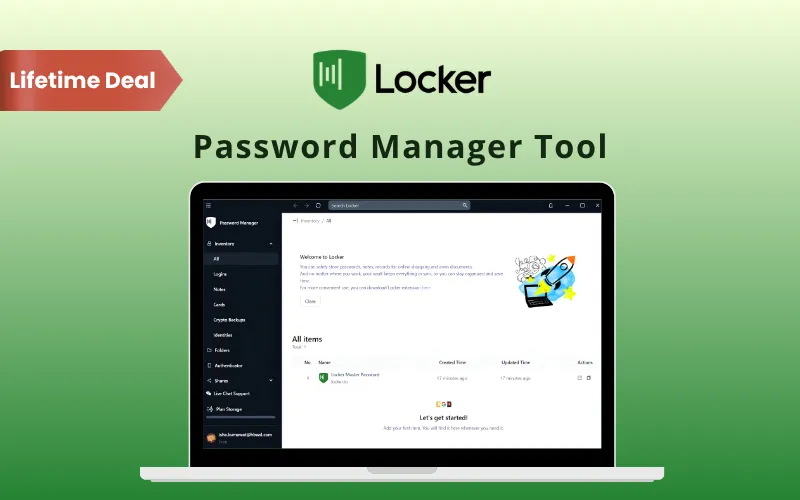
Locker – Keep Your Passwords Safe & Easy to Access

TL;DR

  • Keep passwords, payment details, and private notes in one encrypted vault.
  • Check for weak or reused passwords that need updating.
  • Autofill passwords, payment details, and personal information.
  • Strengthen your accounts with built-in 2FA & password health checks.
  • Access your vault across web, desktop, mobile, & browser extensions.

Quick Overview

Alternative to:

  • 1Password
  • Google Password Manager
  • LastPass
  • NordPass

Best for:

  • Agencies
  • Developers
  • Freelancers
  • Small Business Owners
  • Students

Compatibility:

  • Browser Support:
    Brave, Chrome, Edge, Firefox, Safari
  • Operating Systems:
    Android, Browser Based, iOS, Linux, MacOS, Windows
  • Integrations:
    Adobe Acrobat Pro

Keeping track of passwords & sensitive data across multiple accounts can be frustrating.
That’s why DealFuel brings you Locker– a privacy-first password manager.

What is Locker Password Manager?

Locker Password Manager is an open-source password manager. It helps you store & organize sensitive information.

Your encrypted vault can hold:

  • Passwords and passkeys
  • Credit and debit card details
  • Personal information and identities
  • Confidential notes
  • Two-factor authentication codes

With device syncing & autofill, you can access saved details without repeatedly typing them.

With Locker, You Can:

  • SAVE login details as you browse
  • AUTOFILL passwords and supported online forms
  • ACCESS your vault across supported devices
  • CREATE strong, unique passwords
  • STORE payment details, private notes, identities, and passkeys
  • SHARE sensitive information through encrypted channels
  • CHECK password health and alerts about exposed information
  • ORGANIZE your saved details with folders and categories


How Locker Works:

Step 1 – Create Your Account
Sign up for Locker and set up your account.

Step 2 – Add Your Login Details
Save passwords manually or import them from a supported file.

Step 3 – Access Your Vault Across Devices
Install the supported app or browser extension to access saved details & autofill logins.

Introduction to Locker Password Manager Tool

Youtube video

Locker - Password Manager Tool Features

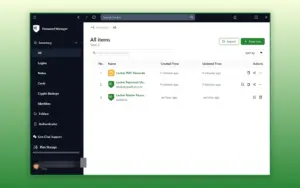
secure-vault-locker-password-manager-tool

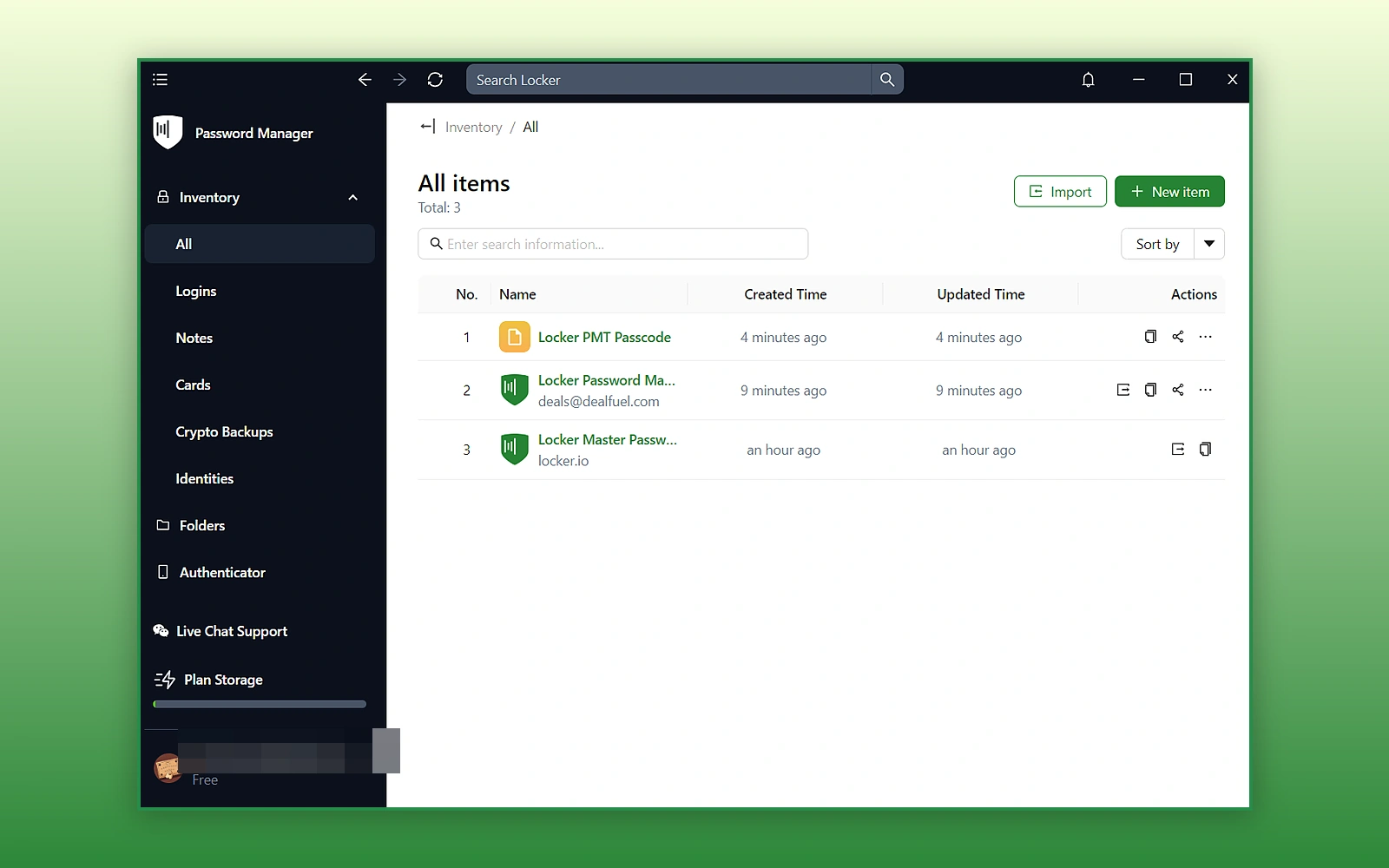
Keep Your Passwords & Private Details Together:

  • Store passwords, passkeys, cards, notes, and personal information in one vault
  • Keep your sensitive details organized and easier to find
  • Access saved information across supported devices
  • Protect stored vault information with AES-256 encryption
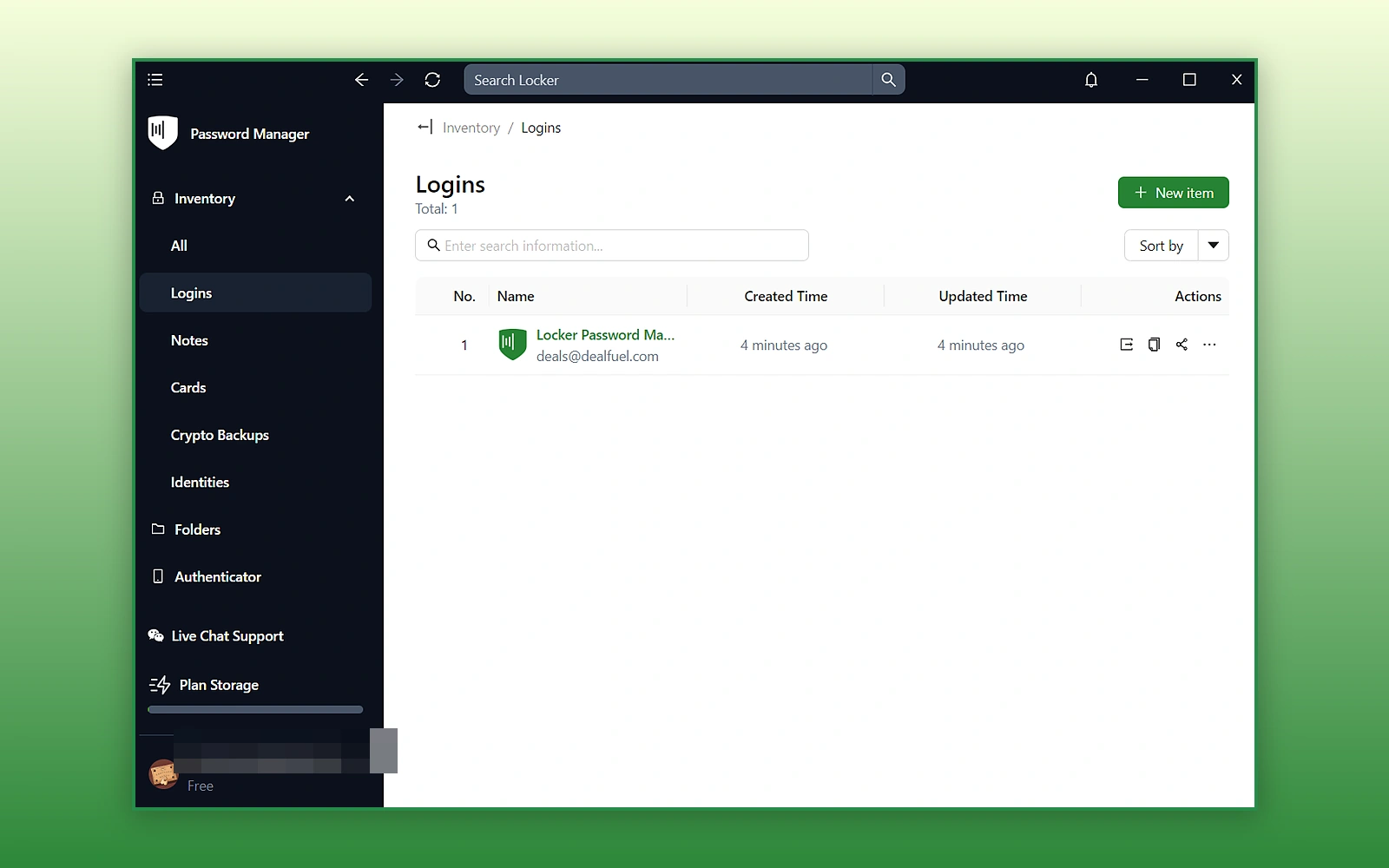
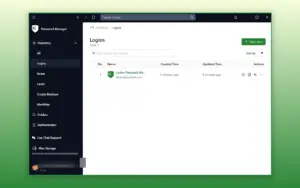
save-passwords-locker-password-manager-tool

Log In Without Repeatedly Typing Passwords:

  • Save new login credentials with one click
  • Keep usernames and passwords together
  • Autofill saved credentials on supported websites
  • Sync your login details across supported devices
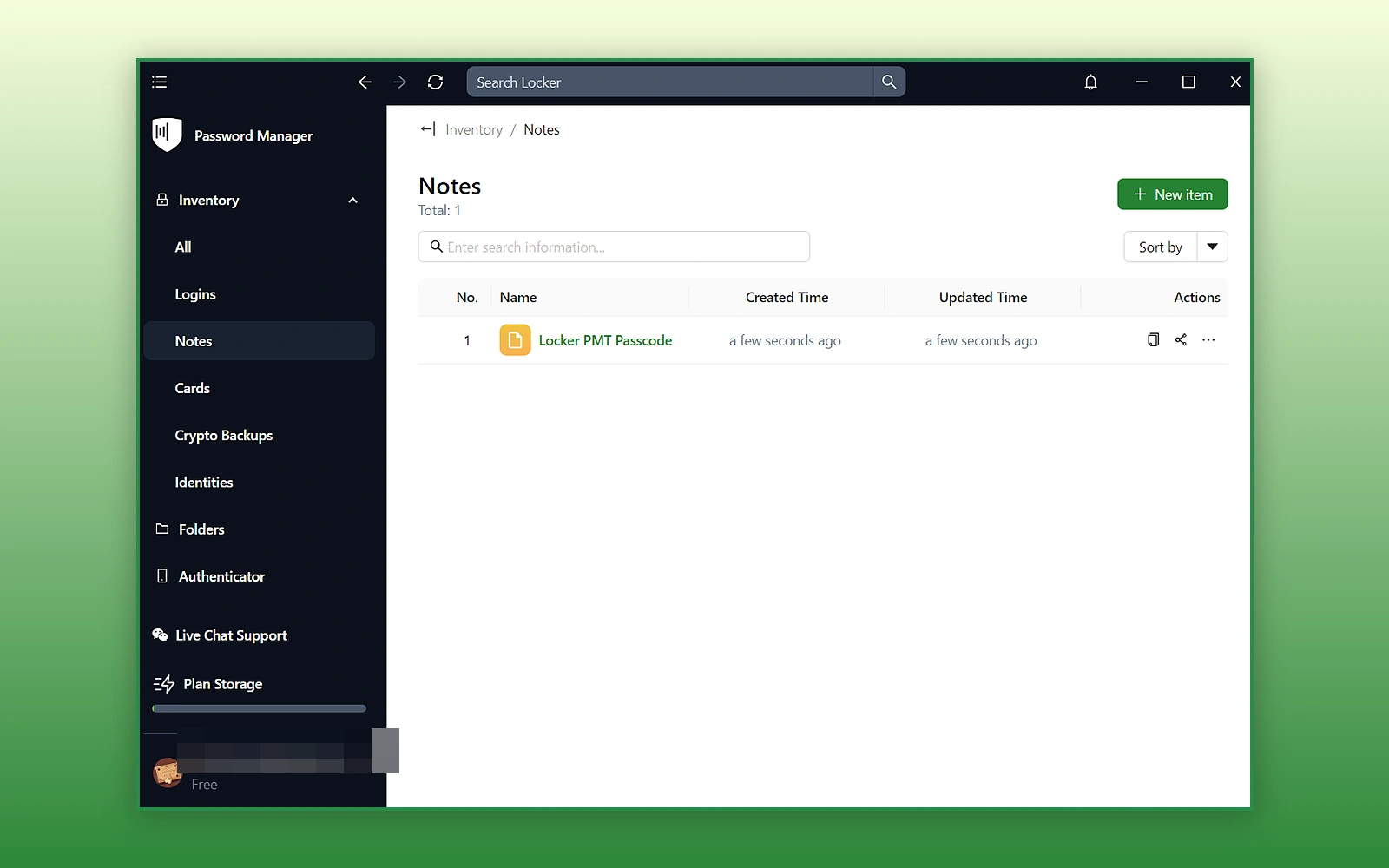
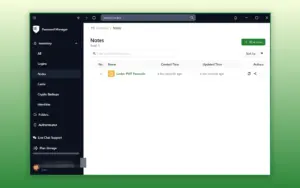
secure-notes-locker-password-manager-tool

Keep Private Notes in Your Encrypted Vault:

  • Save confidential notes alongside your other sensitive information
  • Store Wi-Fi passwords, security codes, and private details
  • Keep confidential information separate from everyday notes
  • Find your saved notes across supported devices
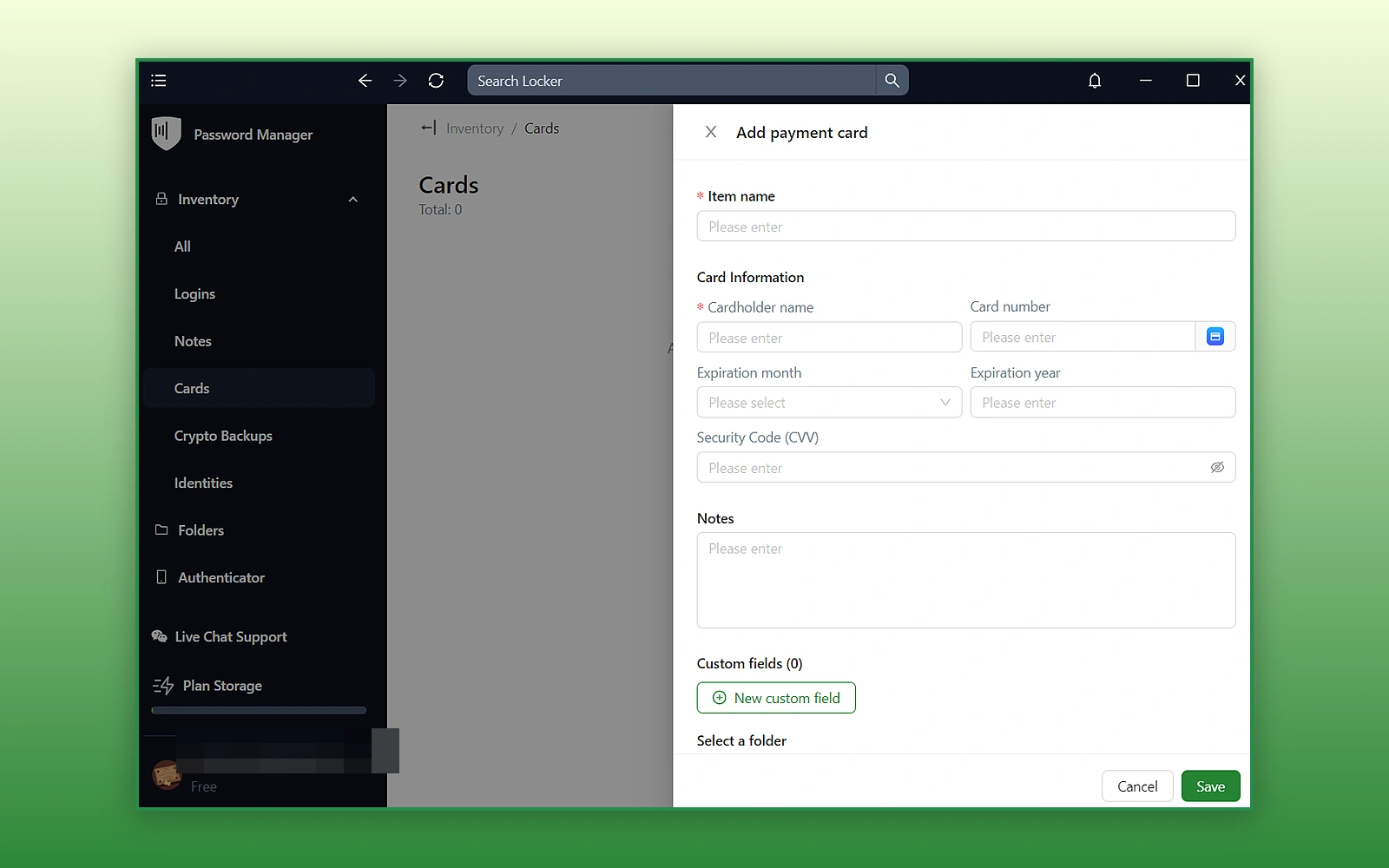
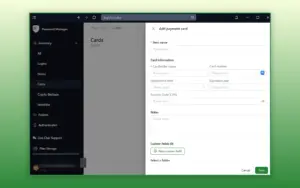
store-payment-details-locker-password-manager-tool

Fill Payment & Personal Details More Easily:

  • Store credit and debit card details in your encrypted vault
  • Keep payment information available for online purchases
  • Save personal details and multiple identities
  • Autofill saved information into supported online forms
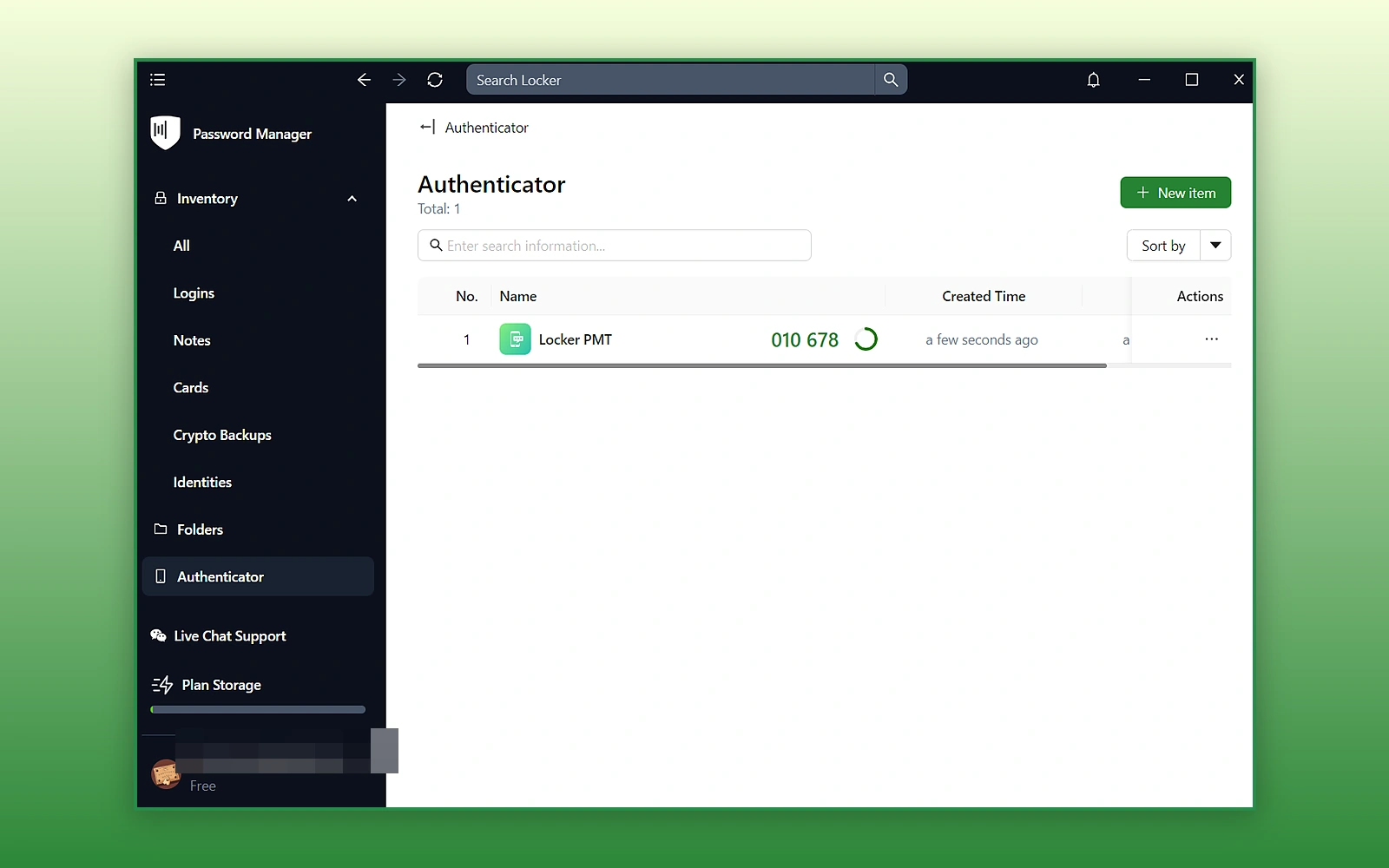
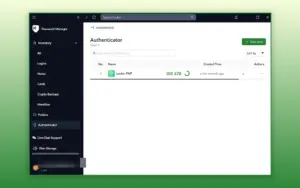
two-factor-authentication-locker-password-manager-tool

Access Your Two-Factor Codes in One Place:

  • Use the built-in authenticator for accounts that support TOTP codes
  • Store authentication codes alongside your login details
  • Find passwords and two-factor codes within the same vault
  • Use these codes as an additional login step for supported accounts
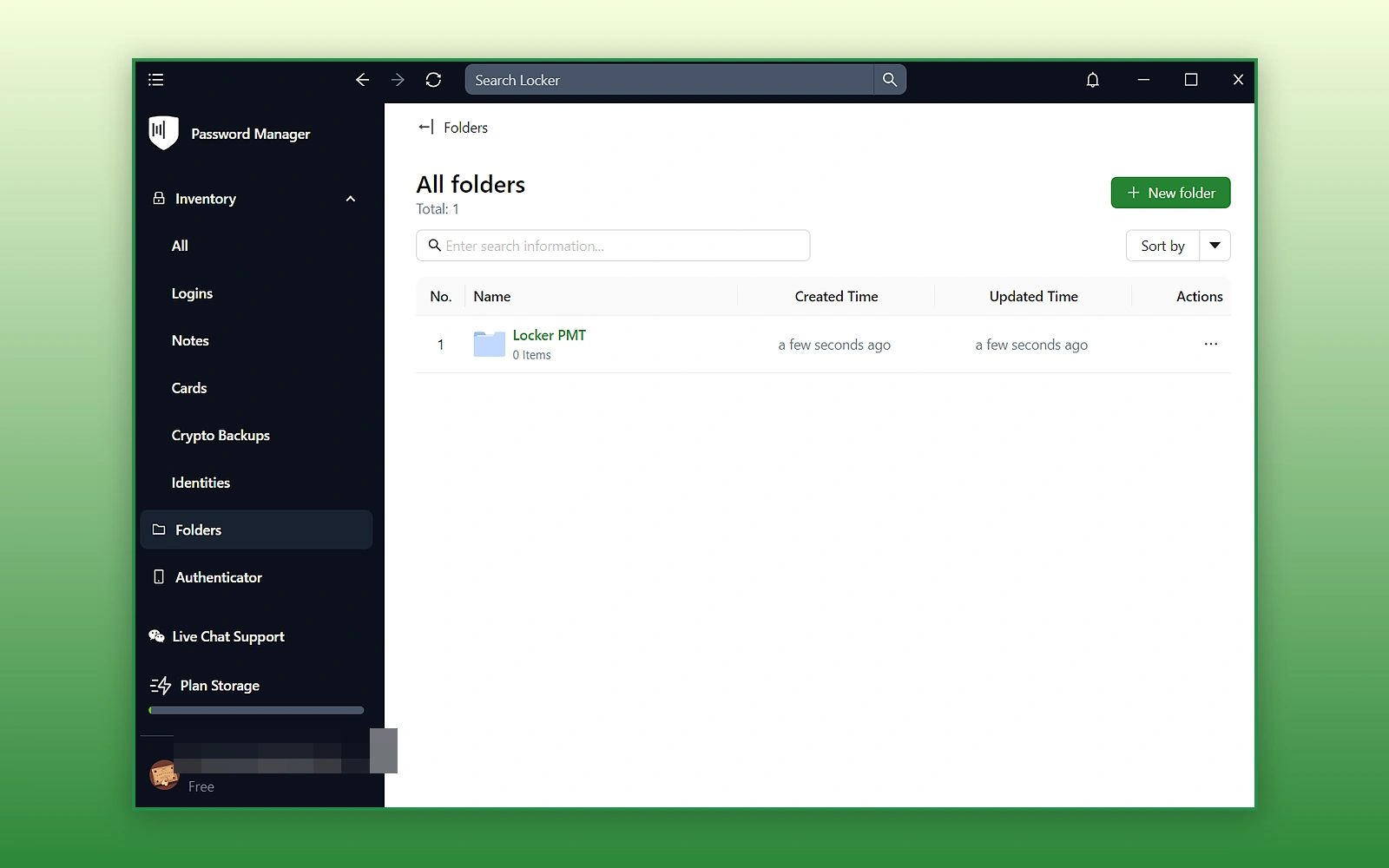
organize-vault-folders-locker-password-manager-tool

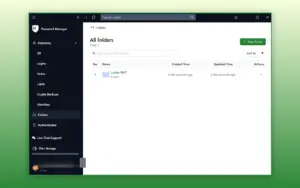
Find Saved Details Faster With Folders:

  • Create folders for your passwords and sensitive information
  • Separate work, personal, and client credentials
  • Keep larger collections organized
  • Find the details you need without searching through every entry
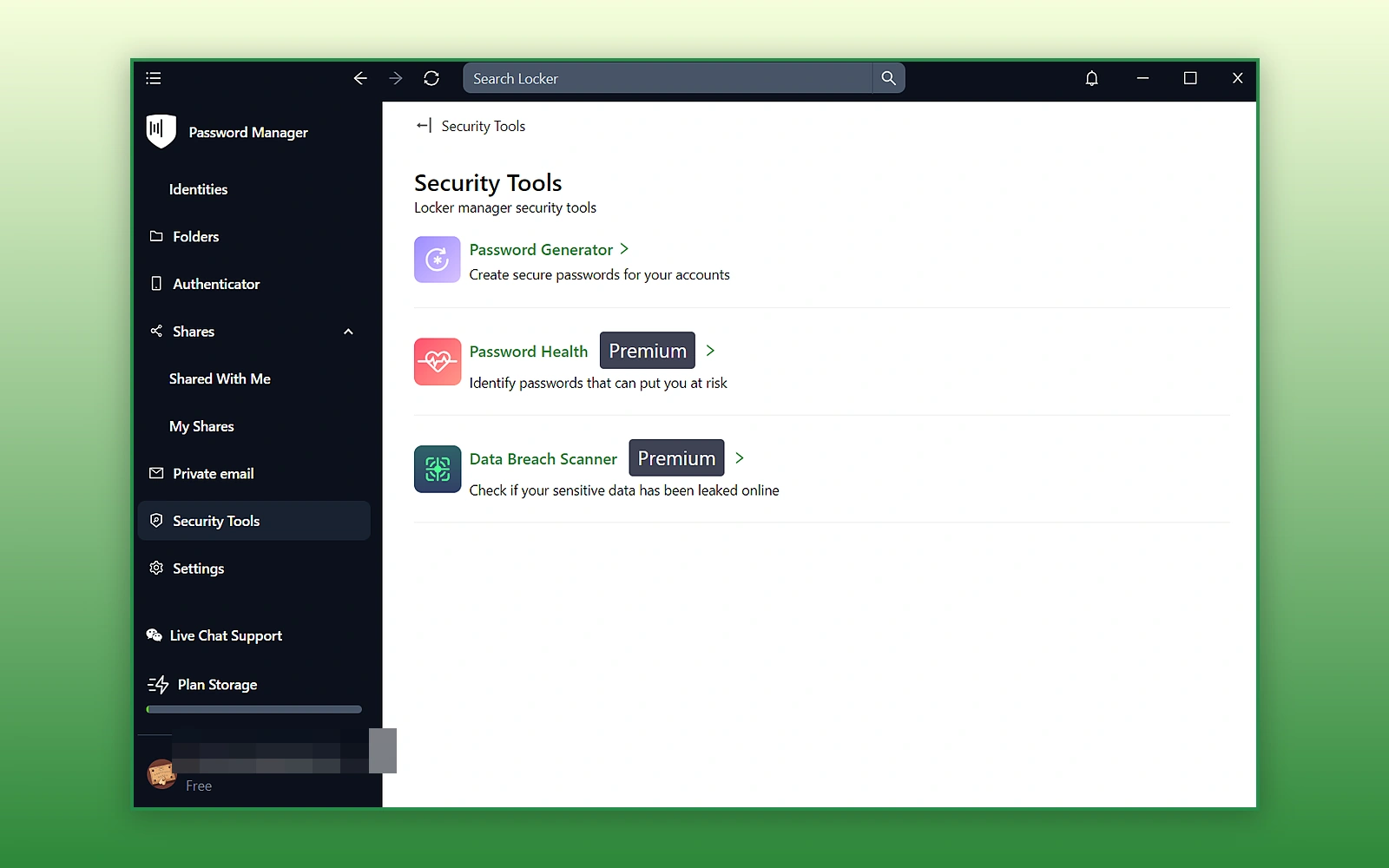
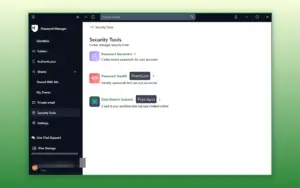
password-health-security-locker-password-manager-tool

Spot Passwords That Need Updating:

  • Generate strong, unique passwords for your accounts
  • Identify weak, old, or reused passwords with password health checks
  • Review flagged passwords and update them
  • Keep vault contents private through zero-knowledge architecture

Why Choose Locker?

  • Spend less time typing and searching for login details
  • Keep passwords and other sensitive information together
  • Use email aliases to help protect your real email address
  • Store crypto wallet information in dedicated vault entries
  • Choose an open-source password manager built with privacy in mind
 

Security Features:

Feature What It Helps You Do
AES-256 Encryption Protect information stored in your vault through encryption
Zero-Knowledge Architecture Keep vault contents unreadable to Locker, including its developers
Password Health Checker Identify weak, old, and reused passwords
Data Leak Scanning Receive alerts when exposed information is detected
Dark Web Monitoring Check for leaked business information
Password Generator Create strong, unique passwords
FIDO2-Compliant Login Use supported FIDO2 authentication methods to strengthen login security
Built-In 2FA Authenticator Generate TOTP codes for supported online accounts

Locker Password Manager is Best For:

  • Agencies
  • Developers
  • Freelancers
  • Small Business Owners
  • Students

Choose Your Plan

Locker Premium LTD
Locker Premium LTD
Original price was: $99.00.Current price is: $69.99.
Locker Family LTD
Original price was: $396.00.Current price is: $249.99.
With DealClub
$59.49
$99.00
Without DealClub
$69.99
$99.00
Buy Now
Limited Time Deal

Deal Terms

  • Access via redemption of coupon code
  • 30-Day Coupon Code Validity
  • One Coupon Code for one user/account
  • Coupon Codes are not stackable
  • For Both New & Existing Users
  • Free Updates
  • Free Support
  • Accessible on all devices - Desktops, Mobile & Tablet

Customer Testimonials

Good password app and service. Lots of features, authenticator is good, generating passwords works well and overall getting better. I hope for autofill to be improved. Setup is easy, great value.

-Bigelowdeuce

Just to say I’ve had a play around with the platform and already really happy with it so I made a switch from NordPass. The private email feature was the thing that initially attracted me so really interested to give that a try when I have some time.

-Phil White

In our company we work with other people and companies, and its hard to keep safe all of their sensitive data, like passwords. For us to be able to do our job, we need their passwords but we also need them to be protected and having them all in one place, has saved us lots of time. We can share the save passwords with no risk, it is amazing!

-Maria Gabriela R.

Plans & Features

Choose the perfect plan for your needs.

Plans & Features
Locker Premium LTD
Locker Family LTD
$99 $69.99
Buy Now
$396 $249.99
Buy Now
Members

1

Up to 6

Storage

Unlimited

Unlimited

File attachments

1 GB

1 GB

OTPs for accounts

Unlimited

Unlimited

Email aliases to protect identity

Unlimited

Unlimited

Concurrent login platforms

Unlimited

Unlimited

End-to-end encryption
2FA, biometrics, passkeys
Independent third-party security audit
Auto sync across devices
Excluded URLs from autofill
Autosave and autofill
Item import and export
Strong password generator
Mobile app biometric unlock
Offline mode
Quick & secure item & folder sharing
Password history of items
Passwordless unlock
Password health checker
Data breach scanner
Custom domain for aliases
Emergency access
Access to Locker Secrets Manager
Plan 1 of 2

Locker Premium LTD

$99.00 $69.99
Buy Now
30-Day Refund | Lifetime Access | One-time Payment
  • Members : 1
  • Storage : Unlimited
  • File attachments: 1 GB
  • OTPs for accounts: Unlimited
  • Email aliases to protect identity: Unlimited
  • Concurrent login platforms: Unlimited
  • End-to-end encryption
  • 2FA, biometrics, passkeys
  • Independent third-party security audit
  • Auto sync across devices
  • Excluded URLs from autofill
  • Autosave and autofill
  • Item import and export
  • Strong password generator
  • Mobile app biometric unlock
  • Offline mode
  • Quick & secure item & folder sharing
  • Password history of items
  • Passwordless unlock
  • Password health checker
  • Data breach scanner
  • Custom domain for aliases
  • Emergency access
  • Access to Locker Secrets Manager

Frequently Asked Questions

Find Answers to common questions about Locker Password Manager Tool

Is Locker encrypted?

Yes. Locker uses AES-256 encryption and a zero-knowledge architecture to protect vault data.

Can Locker autofill passwords?

Yes. Locker can save and autofill login credentials when you visit supported websites and applications.

Can I use Locker across multiple devices?

Yes. Locker supports cross-device synchronization and is available through browsers, extensions, mobile apps, and desktop apps.

Can I share passwords with other people?

Yes. Locker lets you securely share passwords and sensitive information with friends, colleagues, and team members.

Customer Feedback

Customer Reviews (0) Customer Q&A (0)

No Reviews Yet

Be the first to try this deal and share your experience.

You must purchase this product to leave a review.

Be The First To Ask

Get clarity before you buy—your question might help others too.

×

You Might Also Like

iProVPN - The Best VPN Service | Annual Plan (+1 Year Free)

iProVPN - The Best VPN Service | Annual Plan (+1 Year Free)

, , , , , ,

SwifDoo PDF - All-In-One PDF Software | Annual and Lifetime Plans

SwifDoo PDF - All-In-One PDF Software | Annual and Lifetime Plans

, , , , , , , ,

AWZ PC Cleaner - Clean, Optimize, and Speed Up Your Windows PC

AWZ PC Cleaner - Clean, Optimize, and Speed Up Your Windows PC

, , , , , , ,

Choose Plan
Locker Premium LTD
Locker Premium LTD
Original price was: $99.00.Current price is: $69.99.
Locker Family LTD
Original price was: $396.00.Current price is: $249.99.
Buy with DealClub
$59.49 $99.00
Buy without DealClub
$69.99 $99.00

Deal Terms

  • ✓ Access via redemption of coupon code
  • ✓ 30-Day Coupon Code Validity
  • ✓ One Coupon Code for one user/account
  • ✓ Coupon Codes are not stackable
  • ✓ For Both New & Existing Users
  • ✓ Free Updates
  • ✓ Free Support
  • ✓ Accessible on all devices - Desktops, Mobile & Tablet
Scroll to Top